Syllabus
Project type: Spatial UX/AR Training App / School Project
Role: Lead Product Designer, UX/UI Designer
Tools: Figma, SwiftUI, RealityKit, Arduino, Cardboard prototyping
Overview
Many residents in Sweden lack practical crisis training because critical information, like shelter locations and evacuation routes is buried in text-heavy government websites. I solved this by creating a mixed-reality simulation for Apple Vision Pro, combined with a physical device, to move preparedness training from the webpage to the living room. My role evolved from initial research to leading the high-fidelity design, prototyping, and hardware integration.
From Research to Mixed Reality
Our process began with foundational research to understand the core problem. We discovered that while information on crisis preparedness was available, it was passive and failed to create memorable, real-world skills. Through a team-based design sprint, we brainstormed multiple concepts and concluded that a static guide wouldn't solve the problem. The most promising path was clear: an immersive, hands-on training experience.


Abstract to Practical
Taking ownership of this concept, I moved from low-fidelity mockups to engineering an integrated high-fidelity prototype. My focus was on creating a dual-environment system:
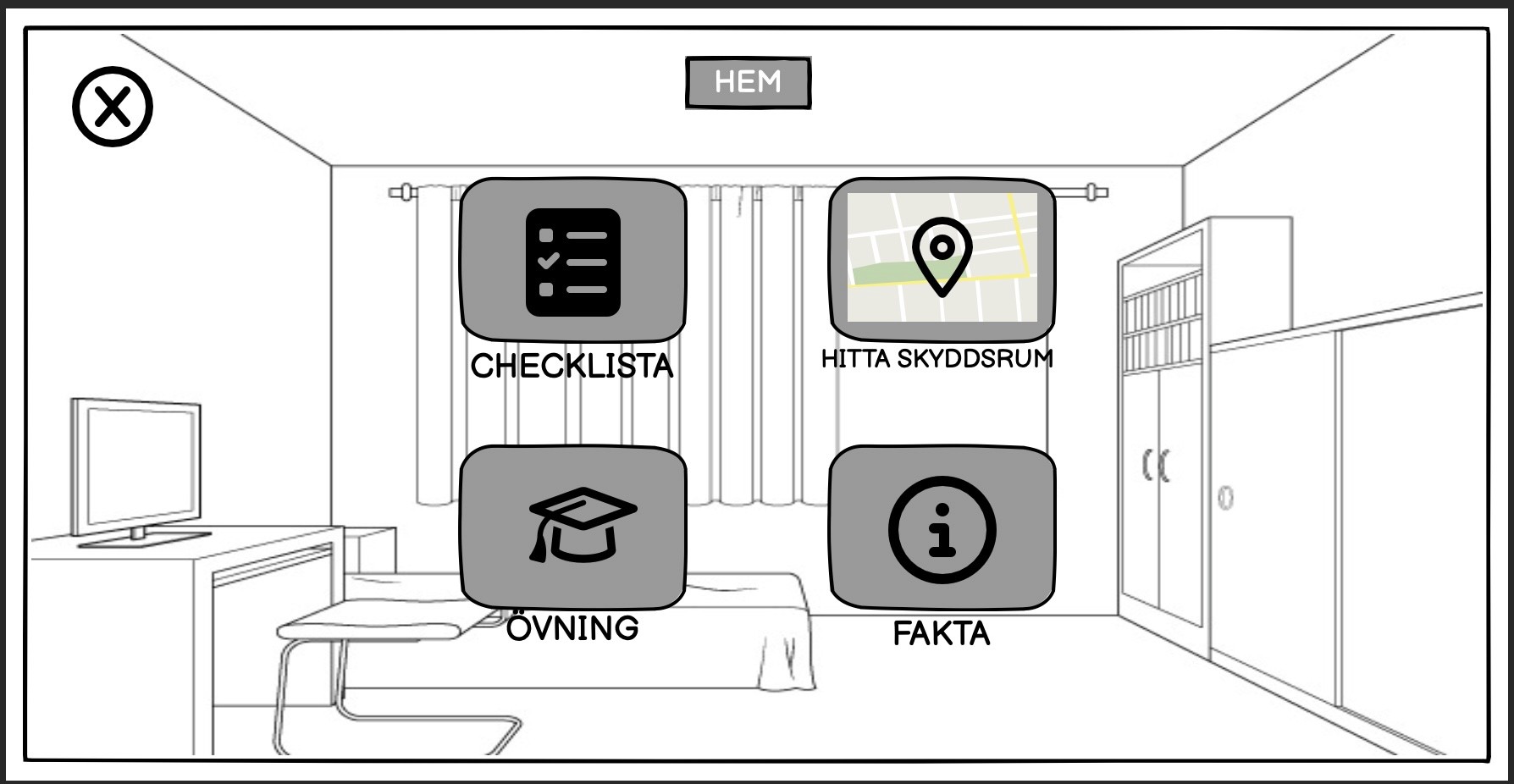
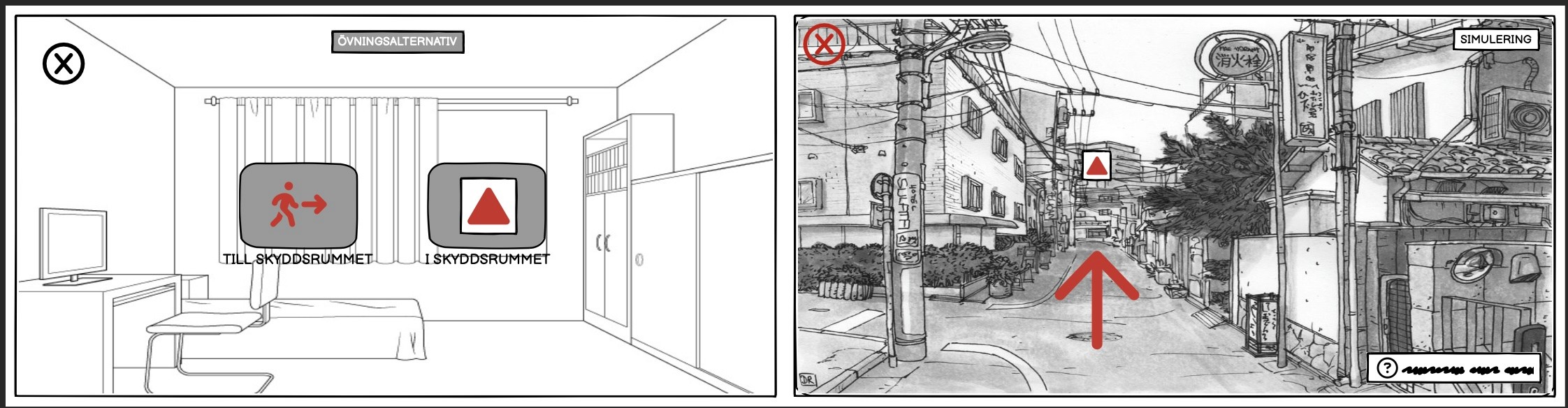
A digital application for Apple Vision Pro, designed with spatial interactions in mind to simulate training scenarios in a user's own environment.
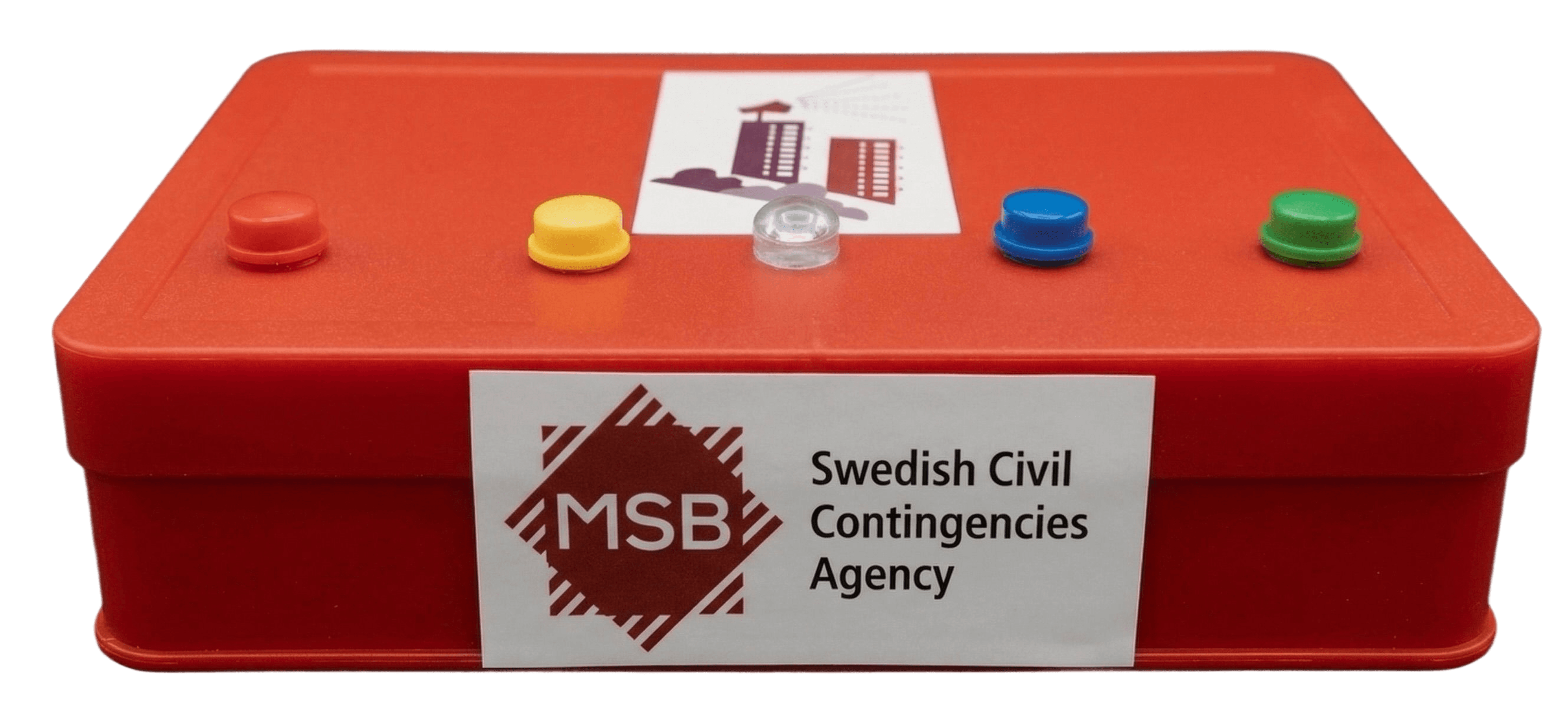
A physical, Arduino-based device that synced wirelessly with the app to provide real-time, multi-sensory feedback like alarm sounds and flashing lights.
This approach was chosen to bridge the gap between abstract knowledge and practical application, making the training feel both intuitive and realistic.
A Multi-Sensory Training Experience
The Physical Device adds a critical layer of realism:
When the app's Alarm Exercise is activated, the wirelessly synced Arduino box responds with flashing lights and the authentic "Hesa Fredrik" alarm signals. This sensory feedback transforms a passive learning moment into an active, memorable experience, reinforcing the urgency and reality of the alert.